
Why Professional Designers Are Shifting to Typography-Focused Apps
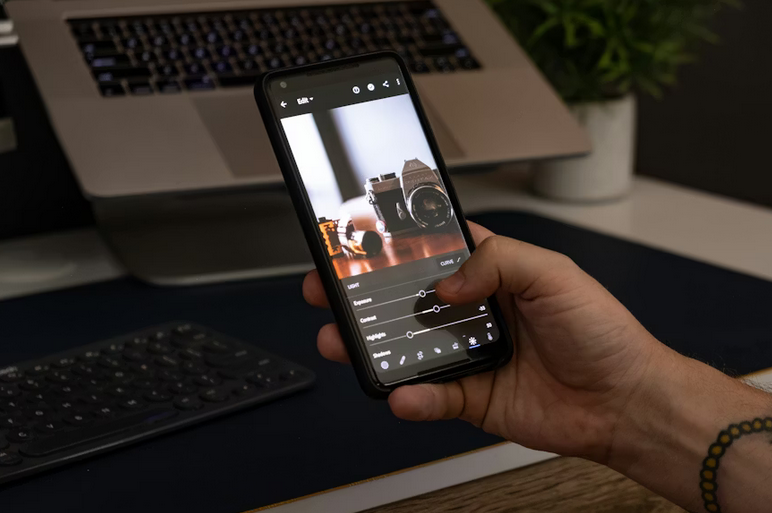
Typography has evolved into a critical aspect of modern design, influencing branding, marketing, and digital content creation. Designers no longer rely solely on traditional desktop software to manipulate text; mobile and cross-platform applications now provide precision and flexibility in real time. Many professionals are adopting tools that combine extensive font libraries, customization options, and intuitive interfaces, allowing them to work faster while maintaining creative control. One app increasingly recognized by designers is phonto, which integrates advanced typography tools into a user-friendly environment, giving creatives the ability to experiment with typefaces, effects, and layouts seamlessly. This trend reflects a shift in the design landscape where convenience, versatility, and quality converge to support professional workflows. Below are the top five reasons why typography-focused apps are attracting professionals.
Extensive Font Libraries
A primary reason designers are turning to typography-focused apps is access to expansive font libraries. Professional projects demand versatility, from elegant scripts for invitations to bold sans-serif styles for advertising campaigns. Apps like phonto provide hundreds of fonts out of the box and allow custom font installations from users’ devices. This flexibility eliminates the need to toggle between multiple software programs, giving designers immediate options to match brand guidelines or creative concepts. Having an extensive font selection at fingertips accelerates workflow, reduces frustration, and supports a wide variety of design projects without compromise.
Enhanced Creative Flexibility
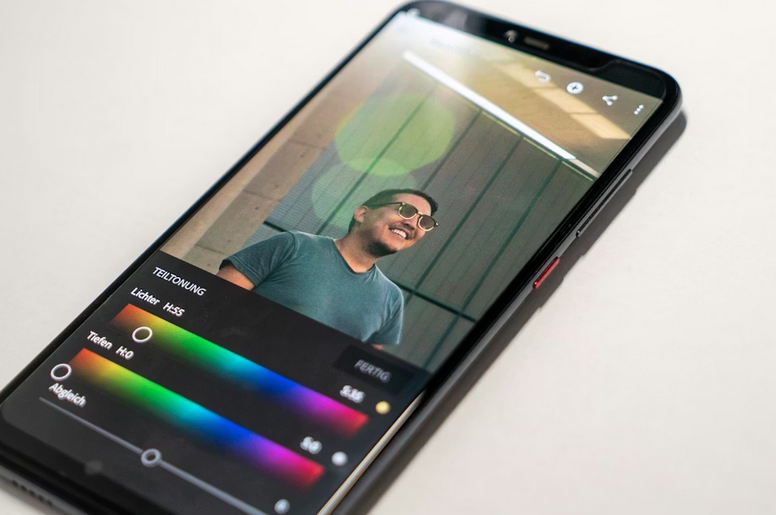
Creative flexibility is a major factor influencing adoption. Typography apps support experimentation with multiple styles and effects without extensive setup. Designers can apply text overlays, test color schemes, and preview changes instantly, fostering rapid iteration. Mobile compatibility and cross-device syncing further enhance flexibility, allowing projects to continue seamlessly from smartphones, tablets, or PCs. This freedom enables professionals to experiment boldly, try unconventional ideas, and adjust design elements on the go. The ability to test concepts quickly without disrupting workflow encourages innovation and increases the likelihood of creating visually compelling results.
Precision in Text Manipulation
Typography-focused apps provide detailed control over text, surpassing what many traditional tools offer. Designers can adjust size, spacing, color gradients, stroke width, and alignment with precision, producing professional results. Advanced features such as shadow effects, curved text, and perspective transformations allow text to interact with images dynamically, adding depth and visual interest. These tools make it possible to create professional-grade compositions quickly, enabling designers to maintain high standards of quality while saving time on adjustments. The ability to manipulate text effectively is essential for producing impactful marketing materials, social media graphics, and digital artwork.
Time-Saving Workflow Features
Efficiency is another important advantage. Typography apps reduce the time spent on repetitive tasks such as text placement, alignment, and formatting. Features like drag-and-drop adjustments, one-click effect application, and instant preview streamline the design process. Export options and integration with other creative tools simplify project delivery and file management. For designers handling multiple assignments or working under tight deadlines, these time-saving functionalities improve productivity and allow more focus on the creative aspects of work. By consolidating tools in a single application, designers minimize workflow interruptions and achieve high-quality results faster.
Growing Professional Validation
Professional adoption of typography-focused apps has increased significantly. Market analysis from design communities indicates a consistent rise in usage, driven by the combination of accessibility, versatility, and output quality. Designers report that using dedicated typography tools improves brand consistency, visual storytelling, and collaborative workflows. This growing validation among professionals reinforces the idea that these apps are not just auxiliary tools but integral components of modern design practice. As the digital design environment evolves, tools that simplify processes while maintaining creative depth are increasingly recognized as essential for professional work.
The shift toward typography-focused apps reflects the changing needs of professional designers seeking efficiency, flexibility, and creative control. Access to large font libraries, precise text manipulation, enhanced creative flexibility, time-saving features, and growing industry validation make these applications valuable assets in modern workflows. By integrating such tools, designers can produce visually compelling, polished projects faster while maintaining high-quality standards. The trend highlights a broader evolution in the design industry, where convenience and professional-grade functionality are merging to support diverse creative demands, allowing designers to focus on innovation and impactful visual communication.